
TRAE combines code editing with agent-assisted development. To assess it on an existing repository, open a familiar module and inspect which files it selects when proposing a change.
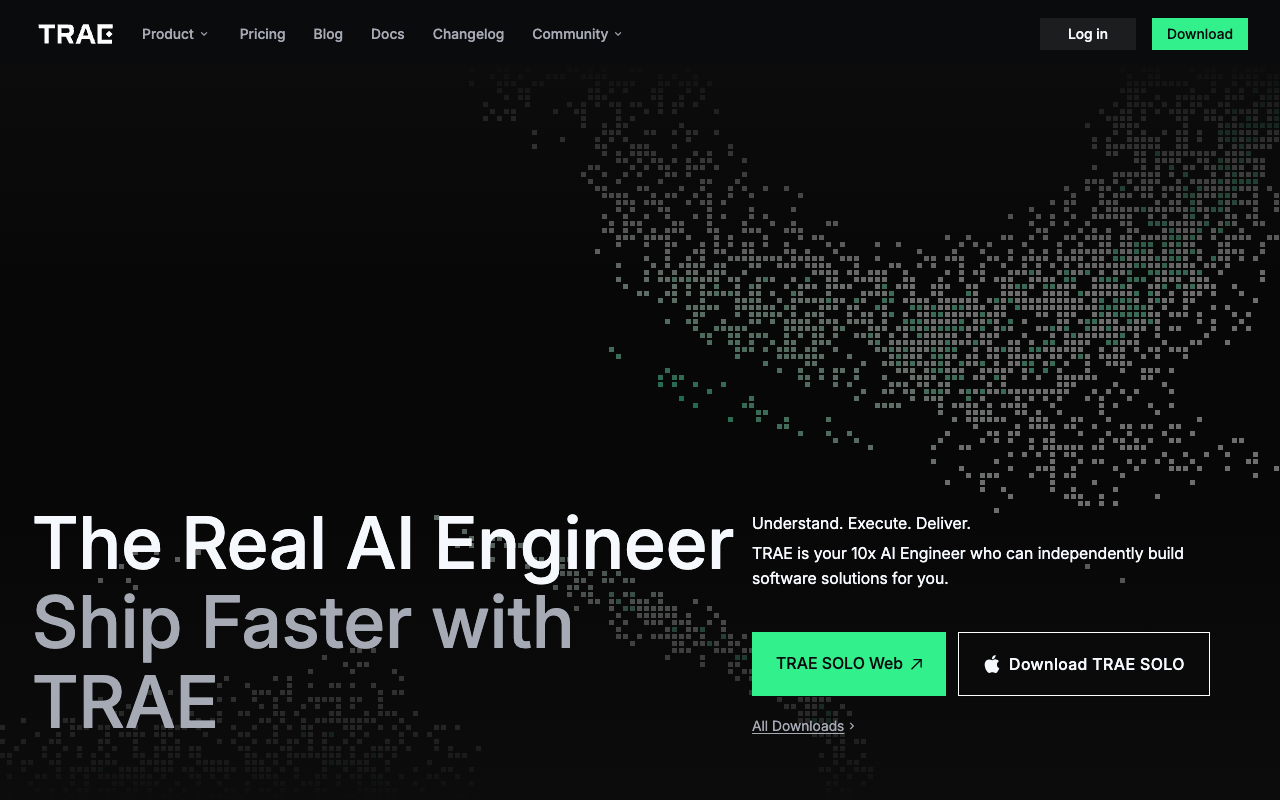
TRAE introduced SOLO as a standalone agent with initial invite-based access on desktop and web. When evaluating it, check which surface and access your account currently offers.
Official sources
- trae.ai
- www.trae.ai/blog/new_solo_beta_0331
- www.trae.ai/pricing
- docs.trae.ai/ide/new-plans-and-billing
- docs.trae.ai/ide/models
- www.trae.ai/download
- docs.trae.ai/ide/privacy-mode
- www.trae.ai/privacy-policy
- docs.trae.ai/ide/changelog
Last updated ·
Earlier evaluation · 2026-04
Quick answers
- How much does Trae cost?
- Pro is $20/month, Pro+ $60/month and Ultra $200/month, with a free plan (checked October 5, 2026). Each paid plan includes the same amount in token usage ($20, $60 or $200) and yearly billing saves about 17% (Pro $200/year). A Lite plan at $8/month is sold only in 12 countries such as India, Brazil and Turkey.
- Is Trae free?
- Yes, there is a free plan, but it is limited. It includes Auto mode only (no model choice), limited usage and 5,000 autocompletions a month, and no SOLO mode in TraeCode. When the usage runs out, AI chat stops until you upgrade.
- Did Trae raise its prices?
- Yes. Trae announced new plans to subscribers on September 17, 2026: Pro went from $10 to $20/month, Pro+ from $30 to $60 and Ultra from $100 to $200, with access to newer models such as GPT-6. Existing monthly subscribers keep their old price as long as they don't cancel.
- Does Trae support BYOK (your own API key)?
- Yes. In Settings > Models > Add Model you pick a preset provider and paste its key, or add a custom model with an OpenAI Chat Completions or Anthropic Messages endpoint, model ID and key. That is how you use Claude, since it is not among the built-in models.
- Who makes Trae and what happens to my data?
- ByteDance, through its Singapore company SPRING (SG) Pte. Ltd. Its privacy policy for non-US users says data is stored in Singapore and Malaysia. Chats and code snippets may be used for training unless you turn on Privacy mode; your codebase files are not used for training.
- Trae vs Google Antigravity: which one?
- Antigravity is Google's agent-first IDE with a free individual plan that has weekly rate limits, and more usage through Google AI subscriptions. Trae's free plan is tighter, but it has a broader model menu, your own API keys and TraeWork on web and mobile. Pick Antigravity for Gemini and a free start, Trae for model choice.
Preview
Detailed Evaluation
Key strengths
Free with access to frontier models
The free tier offers 5,000 autocompletions/month and access to Claude 4, GPT-4o, and DeepSeek R1, unthinkable on Cursor.
SOLO: a real autonomous agent
It turns an idea into a complete app, running analysis, code, terminal, browser tests, and deployment with minimal supervision.
Built on VS Code
Familiar to millions of developers, compatible with most well-known extensions and shortcuts.
Cloud IDE in the browser
Lets you work without installing anything, useful for Chromebooks, tablets, or quick setups.
MCP support and custom agents
Integrates Model Context Protocol and lets you create your own agents, adapting to specific workflows.
Limitations to consider
ByteDance ownership
Many Western companies avoid Trae due to the geopolitical and privacy implications associated with ByteDance.
Model availability by region
Some premium models may not be available in all regions due to provider agreements.
Smaller community and ecosystem
Compared to Cursor, the plugin, template, and community content ecosystem is noticeably smaller.
Limited paid support
Being so cheap, official support doesn't match that of enterprise alternatives.
Standout Feature
Trae is the only free AI IDE that includes a full-stack autonomous agent (SOLO) capable of going all the way to deployment, plus access to Claude 4, GPT-4o, and DeepSeek R1 in its free tier. No paid competitor offers that level at zero dollars.
Comparison with Alternatives
Versus Cursor ($20/mo), Trae offers comparable capabilities for free, at the cost of taking on the ByteDance reputational risk. Versus Cline (open source, BYOK), Trae is more convenient because models are already built in, but less transparent about privacy.
Alternatives to consider
Ideal User
Individual developers, students, and small teams who want premium capabilities (Claude, GPT-4o, autonomous agents) without paying $20/mo, and who don't have corporate restrictions against ByteDance tools.
Learning Curve
If you already use VS Code, Trae feels familiar from minute one; SOLO takes a bit more practice.
Best For
- Developers who want a free alternative to Cursor
- VS Code users looking for integrated AI without changing editor
- Budget-constrained teams that need access to Claude/GPT
- Experimenting with SOLO-style autonomous agents
Not Ideal For
- Companies with strict restrictions on Chinese-origin software
- Projects with very strict enterprise privacy requirements
- Users who require official 24/7 support with an SLA