
GitHub Copilot
The standard code assistant with agentic Copilot Workspace
Description
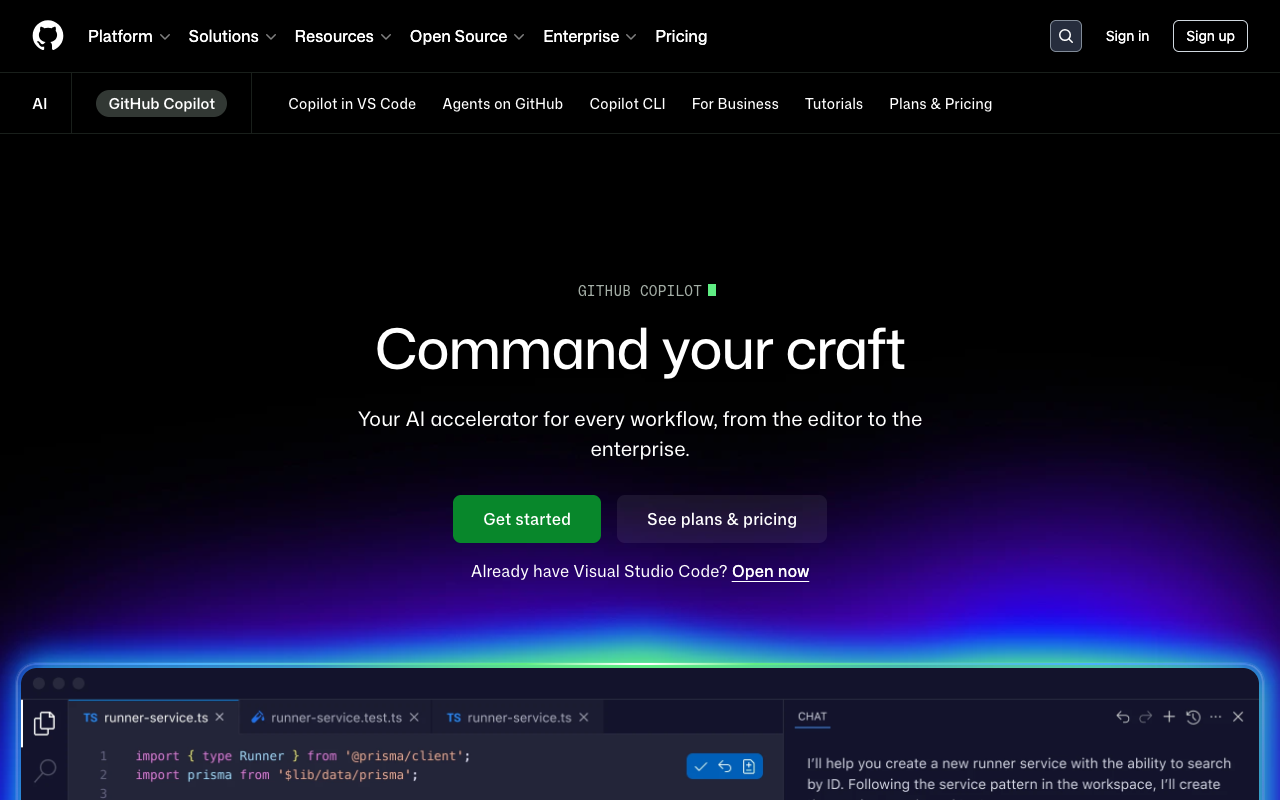
GitHub Copilot remains the world's most widely used AI code assistant, backed by Microsoft and GitHub. In April 2026 it goes far beyond autocomplete: Copilot Workspace already resolves 55% of real issues in internal benchmarks, and its PR review agent ships natively inside GitHub. Plans are Pro at $10/mo (ideal for individuals) and Pro+ at $39/mo with 1,500 premium requests per month and priority access to GPT-5 and Claude Opus. Its unrepeatable edge is cross-platform integration: VS Code, JetBrains, Visual Studio, Xcode, Neovim, GitHub web, and CLI. It's the default choice for enterprises and teams already living on GitHub.
Preview
Detailed Evaluation
Key strengths
Universal integration with any IDE
Works equally well in VS Code, JetBrains, Visual Studio, Xcode, Neovim, and GitHub web, without changing your habits.
Copilot Workspace resolves real issues
The agentic mode analyzes an issue, proposes a plan, implements it, and opens a PR, closing the full loop inside GitHub.
Very competitive pricing
$10/mo on Pro is one of the lowest prices in the sector for a tool at this level of maturity.
Microsoft/GitHub backing with enterprise compliance
It offers SLAs, data residency, and privacy controls that younger competitors still can't match.
Pro+ at $39/mo with 1,500 premium requests
Priority access to GPT-5 and Claude Opus with enough quota for anyone who lives inside the plugin.
Limitations to consider
Less agentic than Cursor or Windsurf inside the IDE
Inside the editor it still feels more like evolved autocomplete than a full-fledged agent like Composer.
Variable quality depending on the active model
Behavior shifts depending on whether you pick GPT-5, Claude, or the fast model, and it's not always obvious which is best.
Repo context still trails Cursor
For multi-file refactors in large monorepos, Cursor still produces more coherent answers than Copilot.
Standout Feature
Copilot Workspace turns GitHub issues into fully automated pull requests: it analyzes the issue, proposes an editable plan, implements it, and opens the PR for review. As of April 2026 it resolves 55% of real issues in the internal benchmark, closing the loop without leaving GitHub.
Comparison with Alternatives
Versus Cursor and Windsurf it gives up ground on in-editor agency, but wins on GitHub integration, compliance, and price. Versus Tabnine it's massively cheaper with better model quality.
Ideal User
Professional developers and enterprise teams living inside GitHub who want the most integrated, battle-tested, and secure option for AI code assistance.
Learning Curve
Install as an extension and be up in minutes; Copilot Workspace does require understanding its issue->plan->PR loop.
Best For
- Teams already running on GitHub and Azure DevOps
- Developers who want solid autocomplete at a good price
- Automated pull request reviews with Copilot Review
- Resolving real issues with Copilot Workspace
- Enterprise environments with compliance requirements
Not Ideal For
- Projects that need Cursor-style parallel agents
- Non-technical makers looking for no-code
- Teams that want to test the latest frontier model on launch day