
Bolt
Free full-stack app builder with MCP and team features
Description
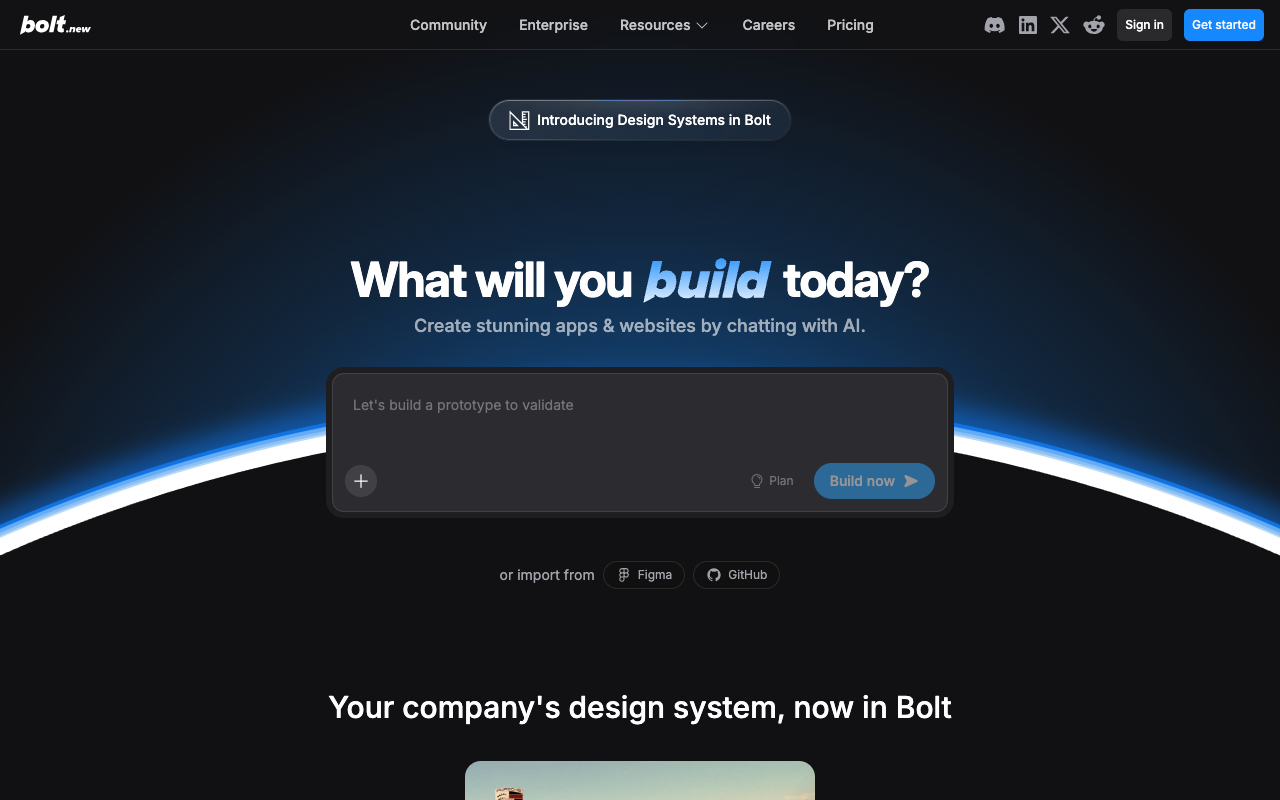
Bolt.new, from StackBlitz, is a free full-stack app builder that runs full Node.js inside the browser via WebContainers. In February 2026 it launched MCP server integration, team collaboration features, and AI image generation, cementing itself as the most flexible alternative to Lovable. It lets you build apps in multiple frameworks (Next.js, Astro, Remix, SvelteKit, Expo), see terminal, editor, and live preview, and export to StackBlitz or download the code. Its free plan remains generous; paid tiers start at $20/mo. It's ideal when you want real technical flexibility without committing to a specific stack.
Preview
Detailed Evaluation
Key strengths
WebContainers runs full Node in the browser
You can install npm packages, spin up servers, and see the project running with no backend or remote VM.
MCP servers pluggable since February 2026
You connect your own MCP servers so the agent can use custom tools, a clear competitive edge over Lovable.
Full framework flexibility
Unlike Lovable (tied to React+Supabase), Bolt supports Astro, Remix, SvelteKit, Expo, and more.
A genuinely usable free plan
You can test the tool thoroughly without paying, a rarity among AI builders in this category.
New team features
They let you share projects, review the agent's changes, and collaborate live in the same workspace.
Limitations to consider
Default design less polished than Lovable
The visual output is decent but doesn't hit Lovable's premium level on the first shot.
High token consumption in large projects
Without a fixed stack, the agent writes more code from scratch and burns through credits faster.
Performance degrades on very heavy projects
WebContainers have browser memory limits; large monorepos can get slow.
Standout Feature
The combination of WebContainers + AI agent + MCP integration makes Bolt the only builder where you can run real Node in the browser, plug in your own MCP tools, and switch between any modern framework without leaving the chat.
Comparison with Alternatives
Versus Lovable it wins on stack flexibility and free plan, but loses on default design and SaaS polish. Versus v0 it's far more ambitious, generating full apps and not just components.
Ideal User
Technical developers and makers who want a flexible AI environment where they pick their own stack, with instant preview and full code export.
Learning Curve
Accessible to anyone who has touched code; even smoother if you already know the chosen framework.
Best For
- Full-stack prototypes in any modern framework
- Teams that need to collaborate live on the same project
- Connecting custom MCP servers to the builder
- Makers who want to start free with no credit card
- Exporting full projects to StackBlitz or local
Not Ideal For
- Apps that require heavy backend compute
- Very long projects that exceed the agent's context
- Cases where you need a highly opinionated stack like Lovable's