
Warp Terminal
A fast, open source terminal with a built-in coding agent. The terminal is free; AI use needs a paid plan, credits or your own API key.
Quick answers
- Is Warp free?
- The terminal is free, but AI is not included anymore. The Free plan has no bundled agent credits, so to use the Warp Agent you bring your own API key, connect an OpenAI-compatible endpoint, buy add-on credits or pay for a plan (checked October 5, 2026).
- How much does Warp cost?
- Build costs $20/month with 1,500 credits, Max $200/month with 18,000 credits, and Business $50/user/month with 1,500 credits per seat (up to 25 seats). Annual billing is 10% cheaper ($18, $180 and $45), and Enterprise is custom (prices checked on warp.dev/pricing, October 5, 2026).
- Can I use my own API key in Warp, and which models does it support?
- Yes. You can add OpenAI, Anthropic or Google API keys on every plan, including Free, and those requests don't use Warp credits; the Free and paid self-serve plans limit this to individuals and companies of up to 10 employees. Models include GPT-6 Astra/Sol/Luna, Claude Opus 5.5, Gemini 3.1 Pro, Grok and open-weights models such as Kimi K3 and GLM 5.2.
- Is Warp open source?
- Yes, the client is, since April 2026. The code is at github.com/warpdotdev/warp under AGPL-3.0, with the UI framework crates under MIT; Warp's servers and its cloud agent platform stay closed.
- Does Warp run on Windows and Linux?
- Yes. Warp runs on macOS 10.14+, Windows 10 and 11 (x64 and ARM64) and Linux (.deb, .rpm, Arch package and AppImage, x64 and ARM64).
- What are the best Warp alternatives in 2026?
- It depends on what you want from Warp. For an AI coding agent in the terminal: Claude Code, OpenAI Codex CLI or the open source Cline; for an AI editor: Cursor; for a plain fast terminal without AI: iTerm2, Ghostty or Windows Terminal.
Description
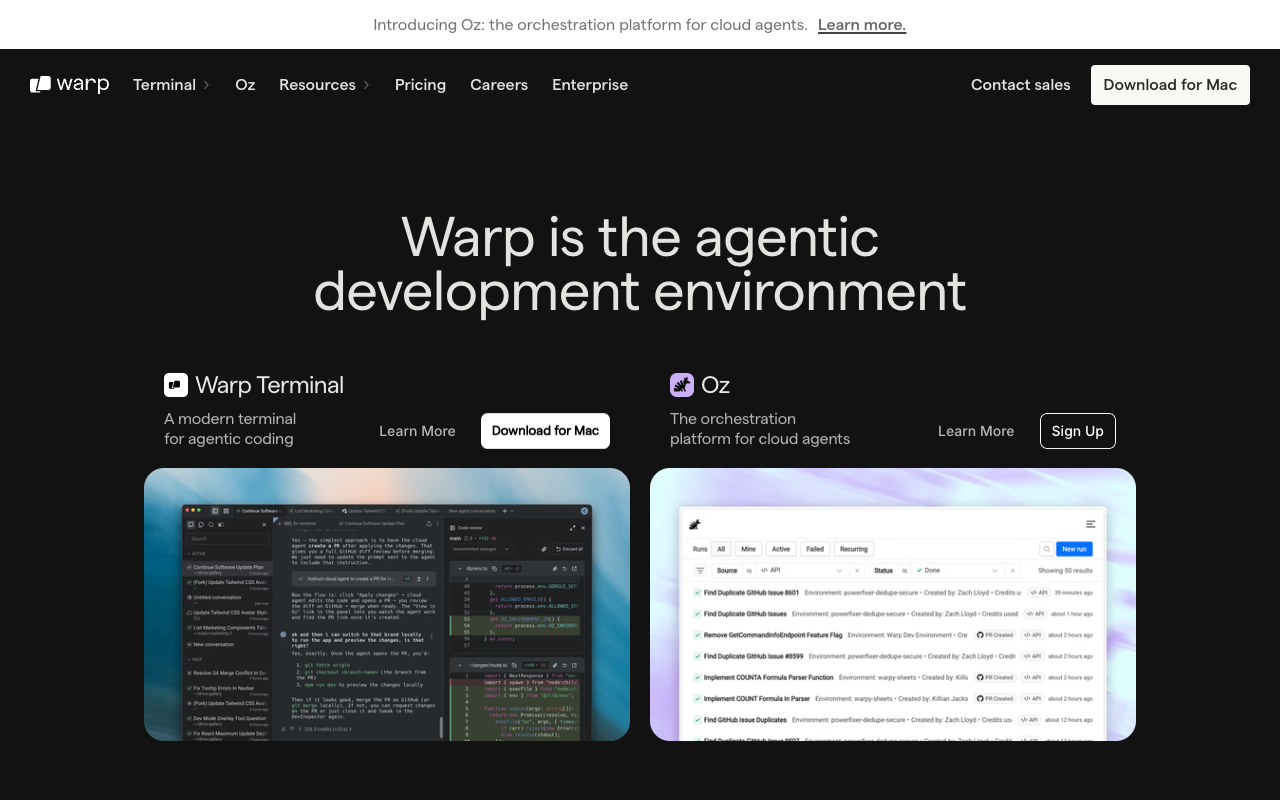
Warp is a terminal for macOS, Linux and Windows, written in Rust, with a built-in coding agent (the Warp Agent), a code editor and code review. Since April 2026 the client is open source: AGPL-3.0, with its UI framework under MIT. It also runs third-party agents like Claude Code, Codex and Gemini CLI inside the terminal, and ships a separate Warp Agent CLI that works in any terminal. The terminal itself is free and you don't need an account to use it. AI is what costs money: the Free plan includes no bundled agent usage, so you either bring your own OpenAI, Anthropic or Google API key, connect an OpenAI-compatible endpoint, buy add-on credits, or subscribe. Paid plans are Build ($20/month, 1,500 credits), Max ($200/month, 18,000 credits) and Business ($50/user/month, 1,500 credits per seat, up to 25 seats), with 10% off on annual billing. Warp ships weekly updates. Its closest alternatives are Claude Code, Codex CLI and Cursor for the agent, and iTerm2, Ghostty or Windows Terminal for the terminal alone.
How to install
macOS (Homebrew)
brew install --cask warpWindows (WinGet)
winget install Warp.WarpDebian or Ubuntu (after downloading the .deb from warp.dev/download)
sudo apt install ./<file>.debOptional: the Warp Agent CLI for any terminal (macOS or Linux), then run warp to log in
curl -fsSL https://app.warp.dev/download/agent-cli | bash
warp
Preview
Detailed Evaluation
Key strengths
Free, open source terminal
The terminal costs nothing, works without an account, and the client code is on GitHub under AGPL-3.0 (UI framework under MIT).
Bring your own key on every plan
Since May 2026 you can plug in your own OpenAI, Anthropic or Google key, or an OpenAI-compatible endpoint like OpenRouter, even on Free. Those requests don't use Warp credits.
Wide model choice
One picker covers GPT-6, Claude Opus 5.5, Gemini 3.1 Pro, Grok and open-weights models such as Kimi K3 and GLM 5.2, plus Auto modes that pick for you.
Works with other agents too
Run Claude Code, Codex or Gemini CLI inside Warp and keep its input editor, notifications and code review, or use the standalone Warp Agent CLI in any terminal.
Fast, polished terminal UX
Rust rendering, command blocks, a real text editor in the prompt, completions and a built-in file tree and editor make it pleasant even if you never use the AI.
Limitations to consider
No free AI anymore
The Free plan no longer includes bundled agent credits. Without a paid plan, add-on credits or your own key, the agent won't run on Warp's models.
Credits go fast with frontier models
Build's 1,500 credits equal about $20 of usage at API rates and don't roll over, so heavy agent use pushes you to Max ($200/month), add-on credits or BYOK.
Pricing keeps changing
Warp changed plans in late 2025 and again on May 21, 2026 (seat limits, BYOK on Free, platform credits), so check the pricing page before committing.
BYOK has fine print
Free and Build BYOK is limited to individuals and companies of 10 or fewer employees, Auto models always use Warp credits, and cloud agents can't use your local keys.
The agent runs through Warp's servers
Even with your own key, prompts pass through Warp's backend, and Warp can't enforce zero data retention on requests sent with your key.
Standout Feature
It is both a modern open source terminal and an agent host: you can use Warp's own agent with almost any major model, bring your own API key, or run Claude Code and Codex inside it, all from the same window.
Comparison with Alternatives
Versus Claude Code or Codex CLI, Warp is a full terminal app with its own multi-model agent rather than a single-vendor agent, and it can host those agents too. Versus Cursor, it is terminal-first with a lighter code editor, not a full IDE. Versus iTerm2, Ghostty or Windows Terminal, it adds AI, blocks and collaboration but needs a login for AI and sends agent traffic through Warp's servers.
Alternatives to consider
Sources
Ideal User
Developers who spend most of the day in the terminal and want a faster, friendlier one with an agent built in. Best value if you already have an API key with OpenAI, Anthropic or Google, or if you also run Claude Code or Codex and want a better place to run them.
Learning Curve
For terminal work, Warp feels familiar from minute one: install, open, type commands. The agent, model picker, BYOK settings, rules and MCP servers take an afternoon to set up well. Credits and plan limits are the part most people need to read about.
Best For
- Developers who want a modern terminal and an agent in one app
- People who already pay for an OpenAI, Anthropic or Google API key and want to use it in their terminal (BYOK)
- Running Claude Code, Codex or other CLI agents with better input, notifications and code review
- Trying many models (GPT, Claude, Gemini, Grok, open-weights) from one model picker
- Small teams that want shared commands and notebooks via Warp Drive
Not Ideal For
- People who want free AI with no API key and no credit purchase
- Companies with more than 10 employees that want BYOK without a Business plan
- Fans of minimalist, fully local terminals like Alacritty or Ghostty
- Teams that need a formal uptime SLA (Warp doesn't offer one)