
Framer
Visual web design with AI, animations, and a native CMS
Description
Framer is the go-to AI-powered web design and publishing tool for designers and marketing teams. It lets you build sites visually on a free Figma-style canvas, but with direct export to production web (hosting included, CMS, forms, animations with Framer Motion). Its AI generates entire sections from a prompt and rewrites copy respecting your brand. Plans start at ~$5/mo (Mini) and $20-25/mo on Basic/Pro per site; it's not a full-stack app builder, but the premium alternative to Webflow. Don't confuse it with 'Framer Make' or 'Framer Sites AI': as of April 2026 it's still plain 'Framer', with AI integrated as a feature rather than a separate product.
Preview
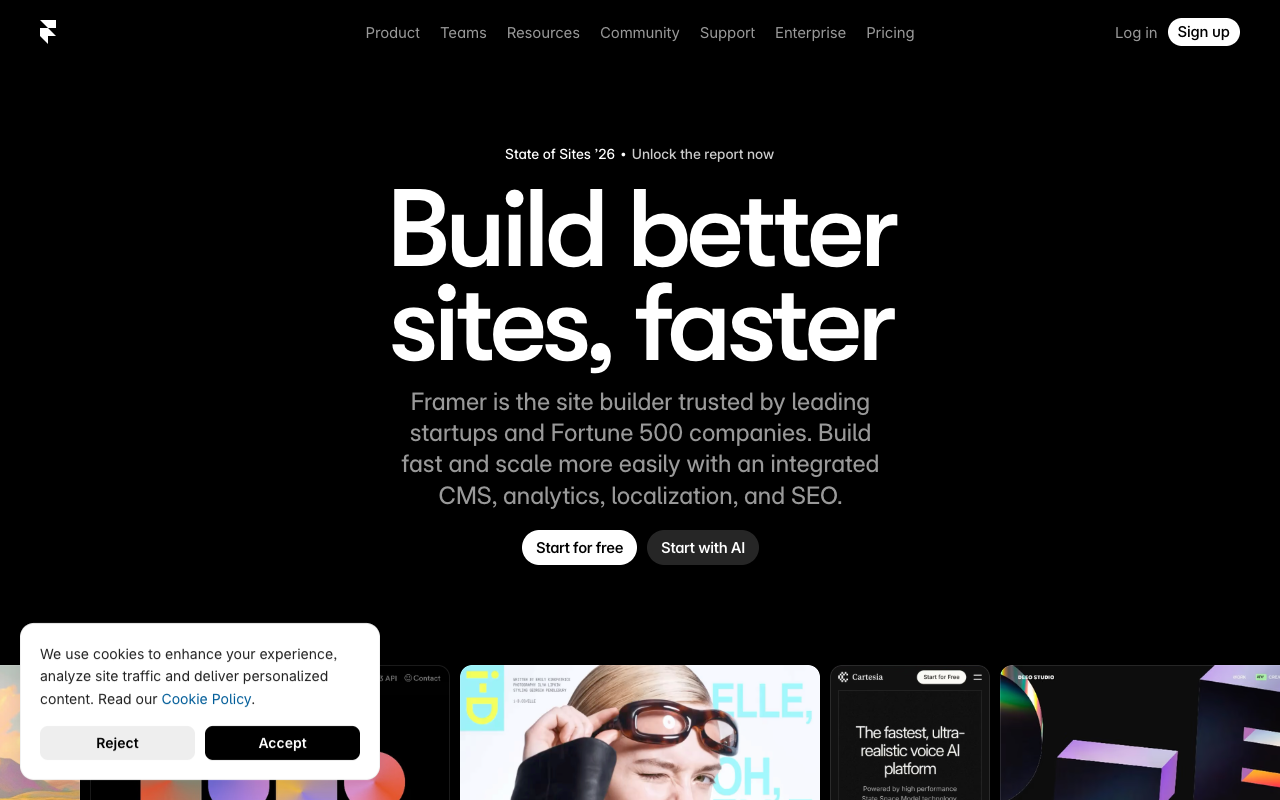
Detailed Evaluation
Key advantages
Free canvas with visual quality above Webflow
The editor philosophically starts from Figma and allows absolute freedom without rigid cells, keeping real responsive behavior.
Framer Motion out of the box
Advanced animations and professional microinteractions without touching code, something Webflow only achieves with hacks.
AI for copy and sections
The AI Wizard generates entire sections and rewrites copy respecting the configured tone and brand voice.
Integrated CMS, forms, and hosting
The full cycle is handled inside Framer: no extra infrastructure needed to publish a site with a blog.
Plugin ecosystem and code components
You can embed your own React components to extend the canvas with custom functionality.
Limitations to consider
Not a full-stack app builder
If you need user auth, dashboards, databases, or SaaS logic, Framer falls short very quickly.
Per-site pricing scales
Each published site is billed separately, which makes multi-project portfolios expensive.
AI less prominent than in Lovable or Bolt
Framer is still a visual editor with AI as support, not an app generator from a prompt.
Standout Feature
The combination of a Figma-style free canvas with production web publishing, built-in Framer Motion, and a native CMS isn't offered by any other tool with this level of visual polish as of April 2026.
Comparison with Alternatives
Against Webflow it wins on canvas freedom, animations, and design experience. Against Lovable or Bolt it doesn't compete on full-stack apps: it plays in a different league, the premium website one.
Ideal User
Designers, agencies, and marketing teams who need to ship visually flawless sites with advanced animations and CMS, without depending on developers.
Learning Curve
If you come from Figma you'll feel at home; mastering breakpoints, CMS, and Framer Motion takes more practice.
Best For
- High-quality visual landing pages
- Corporate sites and portfolios
- Designers who want to ship without handing off to devs
- Complex animations with Framer Motion
- Sites with integrated CMS and blog
Not Ideal For
- SaaS with complex business logic and auth
- Native mobile apps
- Advanced ecommerce with large catalogs