
Fal.ai
Pay-per-output API for 1,000+ image, video, audio and 3D models, plus serverless GPUs billed by the second. No subscription.
Quick answers
- How does Fal.ai pricing work?
- Pay as you go with prepaid credits: each model bills per output (per megapixel, per image or per second of video). If you deploy your own model on fal Serverless, you pay per second of GPU time instead. Server errors and queue time are never billed.
- How much do popular models cost on fal.ai?
- Checked October 5, 2026: FLUX.1 [schnell] $0.003 per megapixel, FLUX.1 [dev] $0.025 per megapixel, Nano Banana 2 $0.08 per image (1K), Seedream 5.0 Lite $0.035 per image. Video: Wan 3 $0.05–$0.20 per second by resolution, Kling 3.0 Pro $0.112/s without audio, Veo 3.1 $0.20/s without audio or $0.40/s with audio at 1080p.
- How much does a GPU cost on fal.ai?
- An H100 (80 GB) is listed at $4.50/hour and offered from $2.49/hour (checked October 5, 2026). Other list prices: RTX PRO 6000 $4.00/h (from $1.99), H200 $6.00/h (from $2.99), B200 $7.99/h (from $5.49). Serverless bills per second while your runners are alive.
- Does fal.ai have a subscription or free credits?
- No subscription: you buy prepaid credits, which expire 365 days after purchase. The Sandbox gives 15 free generations a day on selected models without an account. Fal mentions free credits and coupons, but publishes no fixed sign-up amount.
- What is Fal.ai?
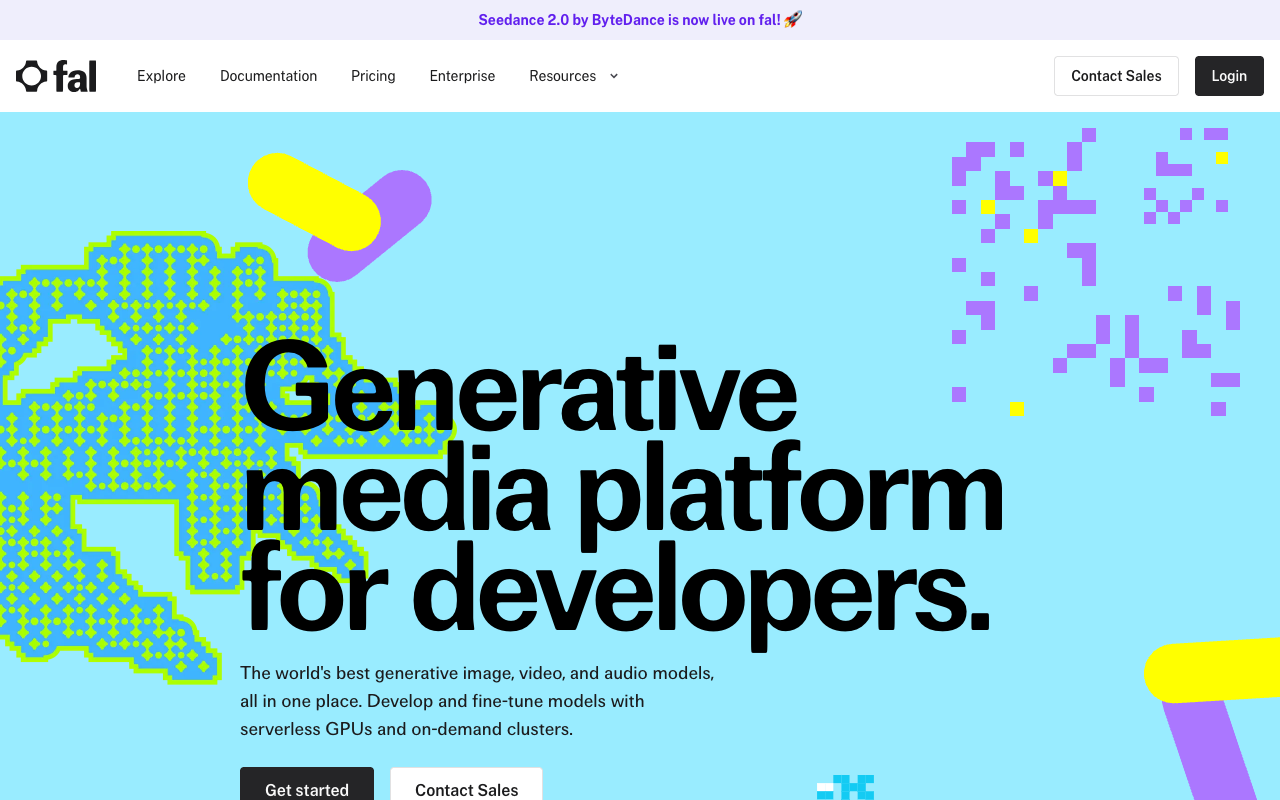
- Fal is a developer platform for generative media, founded in 2021. It hosts 1,000+ image, video, audio and 3D models behind one API and also rents serverless GPUs to run your own models.
- How do I start with the fal.ai API?
- Install the client (pip install fal-client or npm install @fal-ai/client), create a key at fal.ai/dashboard/keys and export it as FAL_KEY. Then call a model, for example fal-ai/flux/schnell, with subscribe(). In browser apps, route calls through a server proxy so the key is never exposed.
Description
Fal.ai (fal) is a generative media platform for developers. One API key gives you 1,000+ hosted image, video, audio and 3D models, including FLUX, Nano Banana, Seedream, Veo 3.1, Kling 3.0, Wan 3 and ElevenLabs voices, through official clients for Python and JavaScript (plus Swift, Java, Kotlin and Dart) or plain REST. There is no subscription. You buy prepaid credits and each model bills per output: per megapixel, per image or per second of video. FLUX.1 [schnell] costs $0.003 per megapixel, Nano Banana 2 $0.08 per image and Veo 3.1 $0.20–$0.60 per second of video (checked October 5, 2026). Failed requests (HTTP 500+), queue time and cold starts on hosted models are not billed. If you deploy your own model on fal Serverless, you pay per second of GPU time, with H100s listed at $4.50/hour and offered from $2.49/hour. New accounts start at 2 concurrent requests, which rises to 40 as you buy credits. Fal is SOC 2 compliant. It suits teams that want fast generative media without running their own GPUs.
How to install
Install the Python client
pip install fal-clientOr the JavaScript/TypeScript client
npm install @fal-ai/clientSet your API key (create it at fal.ai/dashboard/keys)
export FAL_KEY="your-api-key-here"Generate your first image (Python)
import fal_client

result = fal_client.subscribe("fal-ai/flux/schnell", arguments={
    "prompt": "a futuristic cityscape at sunset"
})
print(result["images"][0]["url"])
Preview
Detailed Evaluation
Key strengths
One API for many labs
Models from Black Forest Labs, Google, OpenAI, ByteDance, Kling, Alibaba, ElevenLabs and others share the same key, client and request format.
Clear per-output prices
Each model page shows its unit and price (per megapixel, image or video second), and a pricing API lets you read rates from code.
You don't pay for failures or waiting
Server errors (HTTP 500+), queue time and cold starts on hosted models are not billed.
Good developer tooling
Official clients in six languages, a queue with webhooks, a Next.js proxy so your key stays on the server, and a free Sandbox to try models.
Path to your own models
LoRA training endpoints and fal Serverless let you fine-tune or deploy your own model on H100, H200, B200 or RTX PRO 6000 GPUs.
Limitations to consider
Video adds up fast
Veo 3.1 with audio costs $0.40 per second, so one 5-second 1080p clip is $2.00. Model your cost per user before launch.
Prepaid credits, with a lock
You top up in advance, purchased credits expire after 365 days, and the account is locked when the balance runs low.
Low concurrency at the start
New accounts run only 2 requests at a time; reaching 40 depends on how much you have spent in the last four weeks.
Prices and models change often
Rates vary by resolution, duration and audio, and the pricing table and model pages don't always match (Kling 3.0 Pro shows two different rates).
Serverless needs approval
Deploying your own model requires access that fal approves per account.
Standout Feature
A single key and client reach 1,000+ media models from many labs, each with a public per-output price, so switching from FLUX to Nano Banana or from Kling to Veo is a one-line change and you can see the cost difference up front.
Comparison with Alternatives
Versus Replicate, both bill per use for hosted models; fal focuses on generative media and offers per-output prices on most endpoints. Versus Runway or Luma, fal is an API that aggregates many labs' models rather than an app built around its own model. Versus calling Google or ElevenLabs directly, you trade one more intermediary for one bill, one key and one SDK across providers.
Alternatives to consider
Sources
Ideal User
Developers and startups building products that generate images, video or audio, who want to pay per generation rather than run GPUs, and who are comfortable writing a few lines of Python or JavaScript. Also teams that need to switch between models from different labs quickly.
Learning Curve
Your first image takes a few minutes: install the client, set FAL_KEY and call an endpoint. The work comes later: choosing between similar models, handling queues and webhooks, hiding the key behind a proxy in web apps, and keeping cost per user under control.
Best For
- Apps that generate images with FLUX, Nano Banana or Seedream through a single API
- Video products built on Veo 3.1, Kling 3.0, Wan 3 or Seedance without separate contracts per lab
- Teams that want to calculate the cost of each generation before launch
- Developers comparing several models for the same task by changing one endpoint ID
- Teams that want to run their own model on rented GPUs billed by the second (Serverless, approval required)
Not Ideal For
- People who want a fixed monthly subscription with unlimited generations
- Pure no-code users who don't want to touch an API (the Sandbox is only for trying models)
- Projects that need everything on their own servers or on-premise